How To Use Gear Doctors Artemis 3D Self-Inflating Sleeping Pad
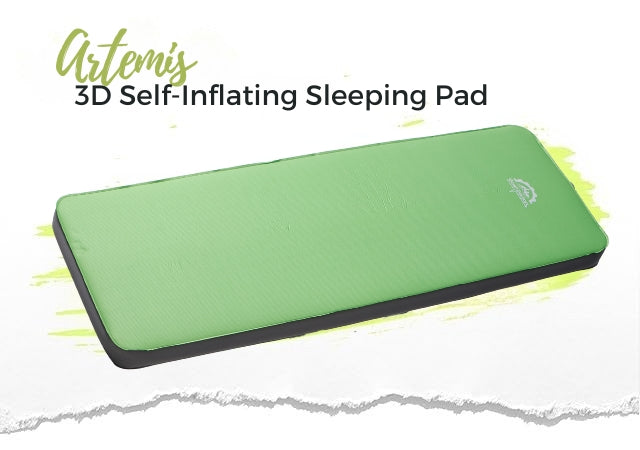
How to Use Gear Doctors Artemis 3D
Artemis 3D is a self-inflating foam camping mattress. Open the valve to let the foam expand, then use the included pump sack if you want a firmer feel.

How to Inflate Artemis 3D

- Take the mattress out of the pouch and unroll it on a clean, flat surface.
- Rotate the switch mode.

- Set the valve to Inflation Mode for one-way airflow during inflation.
- Attach the included pump sack to the valve.

- Use the pump sack to squeeze air into the valve until the mattress feels supportive.

- Close the valve tightly.
- Your Artemis 3D mattress is set and ready to use.
How to Deflate and Store Artemis 3D


- Rotate the switch mode.
- Set the valve to Deflation Mode so air releases efficiently.

- Apply gentle pressure with your hands to deflate the mattress faster.
- Once the mattress is folded, roll toward the valve to release the extra air. Make sure the valve is open while rolling.

- Store the mattress in the carry pouch after the air is released.

Storage Tip
For best long-term performance, store a self-inflating foam mattress unrolled with the valve open when you have space. Make sure the mattress is fully dry before storage.
Care Notes
- Keep the mattress away from sharp objects, flame, extreme heat, and prolonged direct sunlight.
- Let the mattress dry fully before packing or long-term storage.
- Do not store the mattress wet.
- Do not use a high-pressure pump.
Warranty and Support
If anything goes wrong, contact Gear Doctors support and we will help you troubleshoot the issue.
