How To Use Gear Doctors Ether Ultralight Sleeping Pad
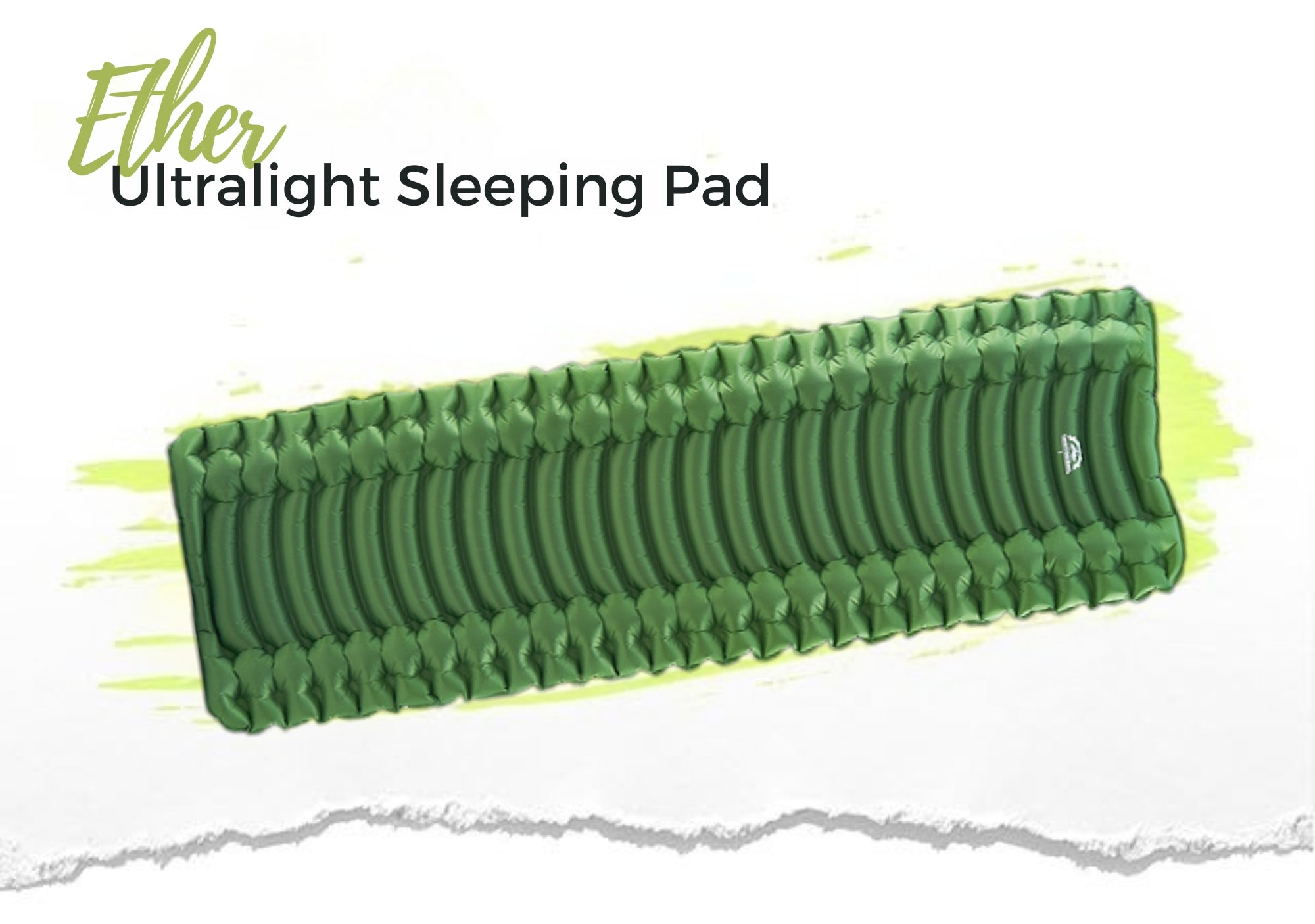
How to Use Gear Doctors Ether
Ether is an ultralight inflatable sleeping pad with a built-in foot pump. It is not self-inflating. Use the foot pump to inflate the pad, then adjust firmness from the valve until it feels supportive and comfortable.

How to Inflate Ether

- Take the sleeping pad out of the pouch and unroll it on a clean, flat surface.
- Set the valve to the Air-in position.
- Attach the foot pump to the valve.

- Face the pump valve upward.
- Press down firmly with your foot, sealing the valve as you press.
- Repeat until the pad is fully inflated.

- Adjust firmness by releasing a small amount of air from the valve with the included adjustment needle.
- Close the valve tightly before lying on the pad.

Your Ether sleeping pad is set and ready to use.

How to Deflate and Store Ether

- After use, open the valve to let the air out.

- Apply gentle pressure with your hands to deflate the pad faster.

- Fold the mat lengthwise like closing a book, keeping the valve on the outside.
- Fold it lengthwise one more time to make it narrower.

- Roll tightly from the opposite end toward the valve, pushing the remaining air out as you roll.
- Close the valve after all air is expelled, then store the pad in the carry pouch.

Care Notes
- Use Ether on clean ground or inside a tent when possible.
- Keep the pad away from sharp objects, flame, extreme heat, and prolonged direct sunlight.
- Let the pad dry fully before storing it.
- Do not store it wet.
Warranty and Support
If anything goes wrong, contact Gear Doctors support and we will help you troubleshoot the issue.
